Invoicing & tax
How to keep Shopify invoices unchanged for your records
· 3 min read
You need an archive of your Shopify invoices, for your accountant, for a tax audit, or because the law says you must keep them. But if you open last year’s invoice today, is it still the invoice you sent? Not necessarily. The short answer: lock each invoice when it’s issued, so the original PDF is kept and never changes, and keep a copy of your archive yourself. Foliant does both.
What the rules usually expect
Tax rules in most countries require you to keep your invoices, and the credit notes that correct them, for several years. How long depends on the country, so check with your accountant what applies to your business.
It isn’t only about how long. Kept invoices are generally expected to be:
- Unchanged: the invoice you keep is the one you issued, not a version edited later.
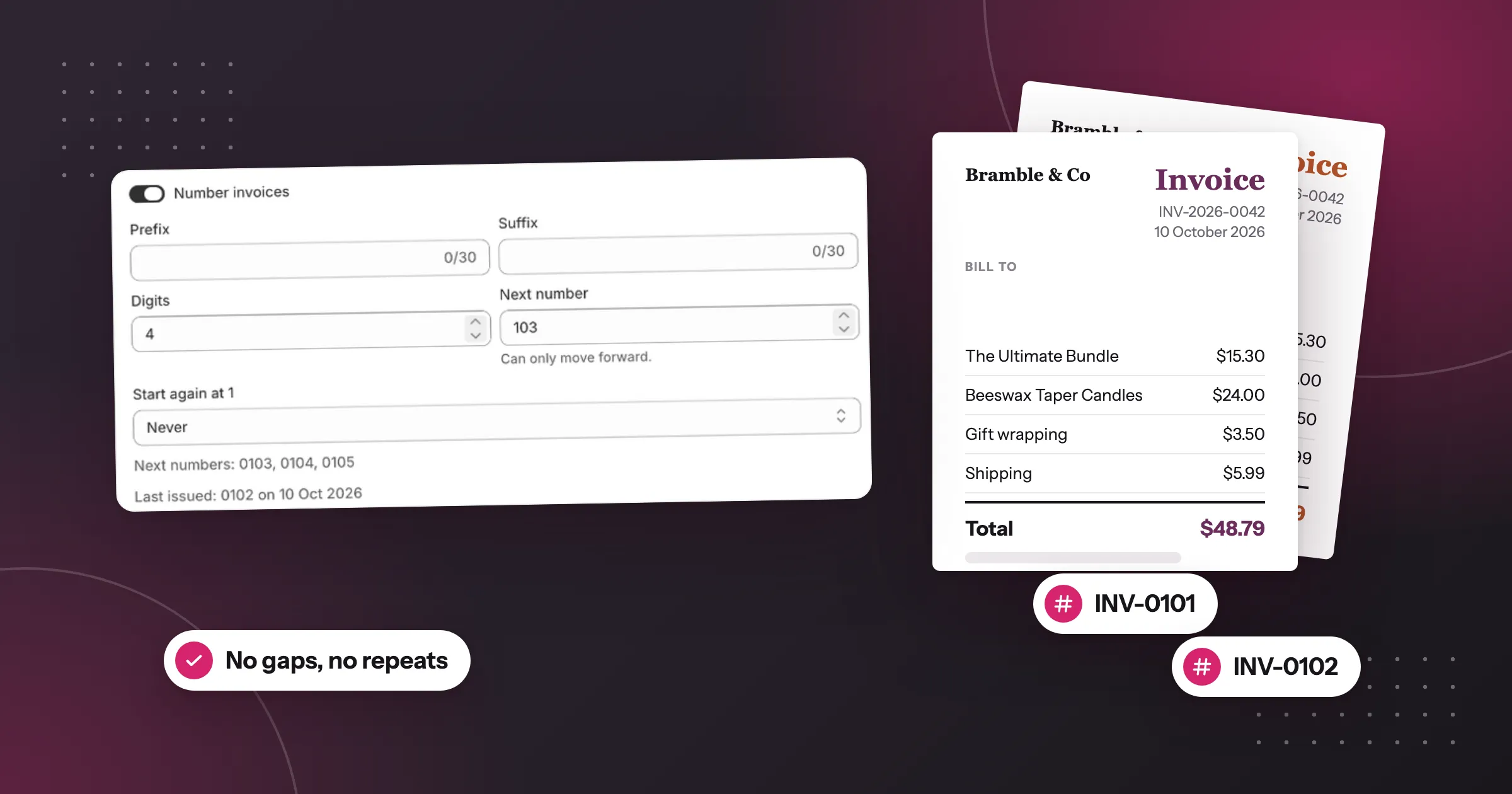
- Complete: every invoice in your number sequence is there, and corrections are separate documents, such as credit notes.
- Available: you can produce them when a tax office asks, for the whole period.
Why an invoice can change by itself
An invoice app that makes the PDF on demand, as Foliant does unless you turn locking on, makes it fresh each time you open it, from the current order and the current template. Edit the template, change your company details, or edit the order, and last month’s invoice changes too. That’s fine for packing slips. For invoices, it means the PDF you download today may not match the one your customer received.
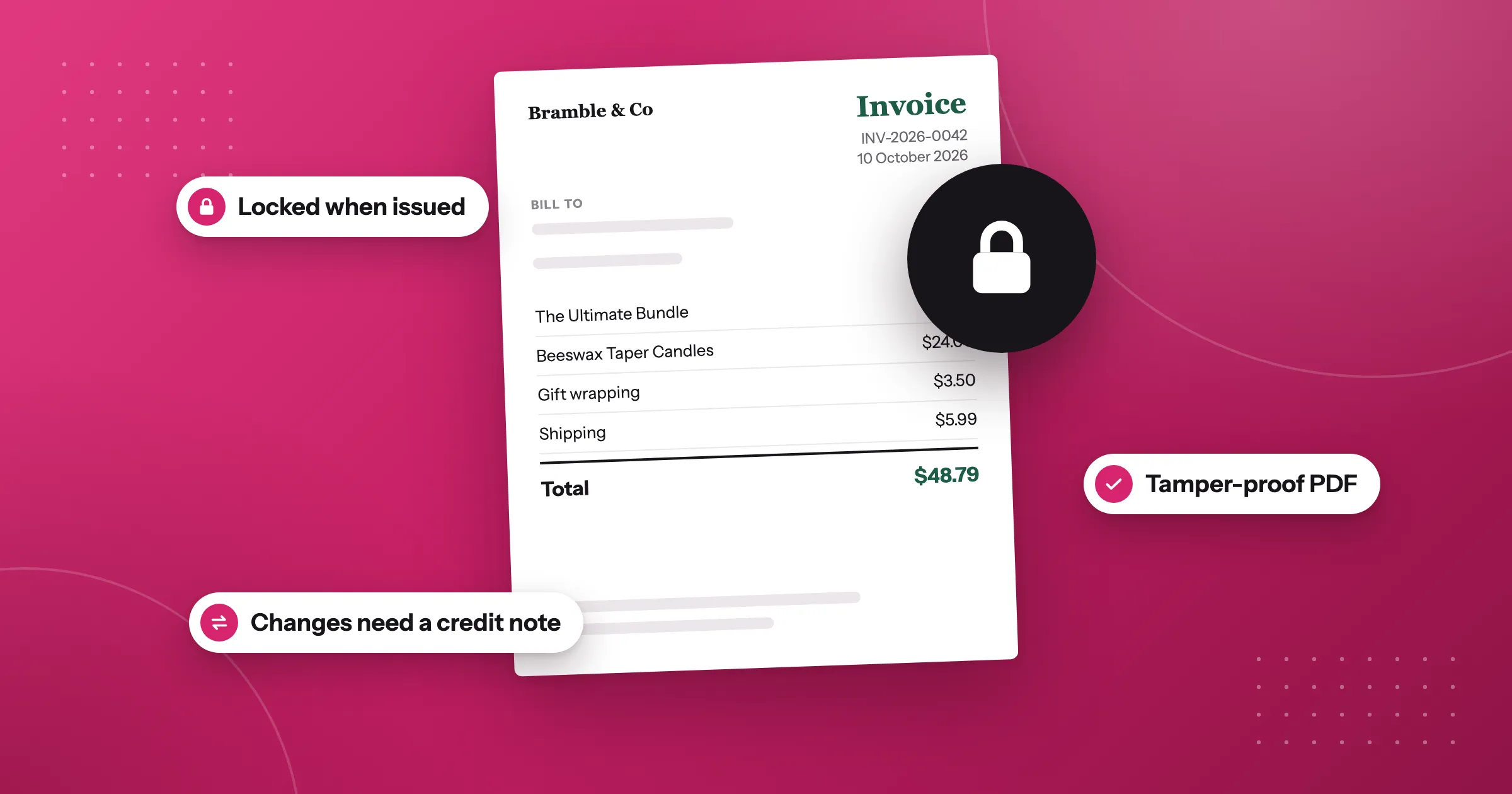
Locking fixes this. A locked invoice is kept as the exact PDF that was issued, and every later download, export or email gets that same file. If something needs correcting, you issue a credit note instead of changing the invoice.
Turn on locked invoices
Locking applies to numbered documents, so first turn on Number invoices (and Number credit notes if you refund orders) in Settings › Documents & printing, and set your invoice template’s Document type to Invoice.
Then, on the same settings page:
-
In Locked invoices, turn on Lock issued invoices and credit notes.

-
In Lock documents, choose when a document counts as issued: When the document is first generated, When the order is paid, or Only when I issue it.
-
In Keep issued documents for, enter how many years Foliant keeps issued documents.
-
Click Save.
Check your invoice template before you turn locking on: each invoice keeps the look and details it had when it was issued.
Find, check and download your invoices
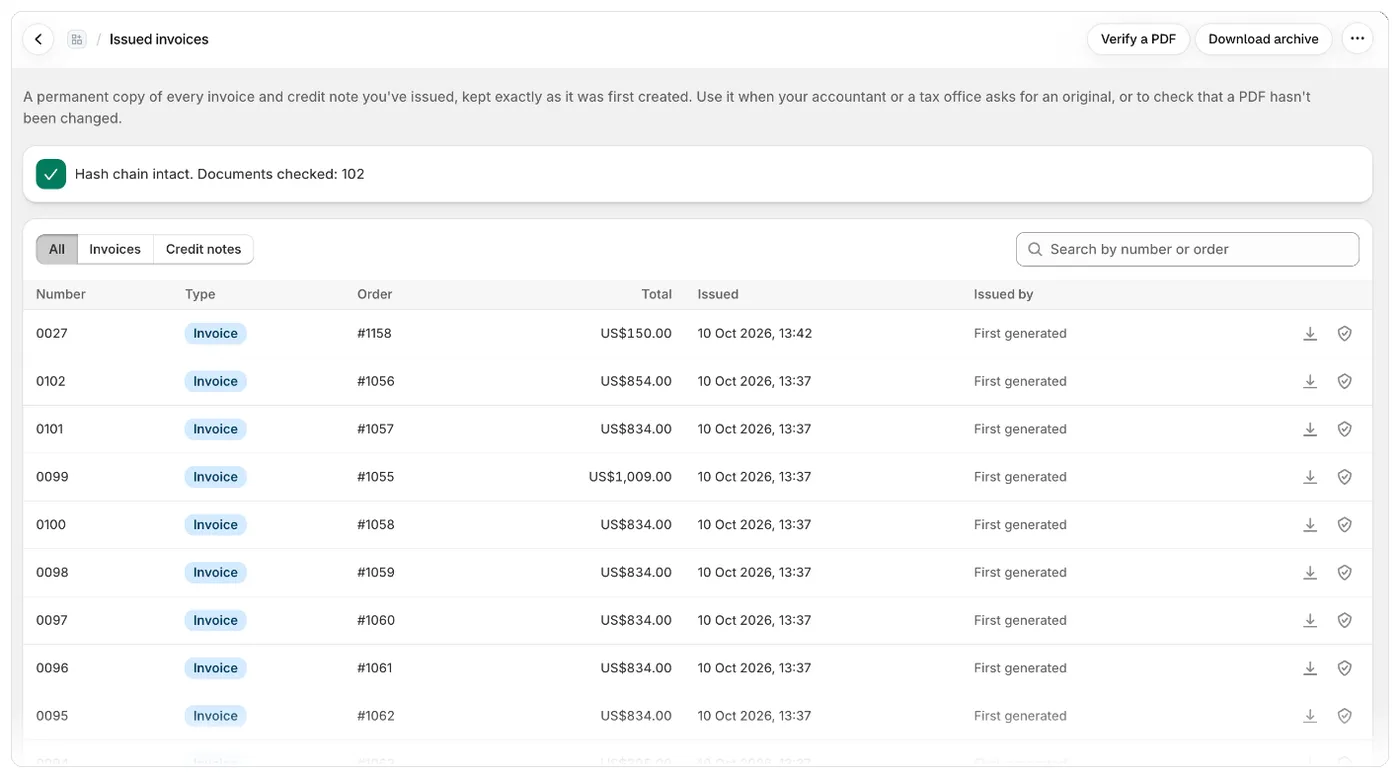
Every locked invoice and credit note appears on the Issued invoices page. For each one, Foliant records a SHA-256 hash, a fingerprint of the PDF, so you can show that a file is the unchanged original.
To take a copy, open Issued invoices and click Download archive. You get one zip with a PDF for each issued invoice and credit note, plus a manifest.csv listing each document’s number, order, total, issue date and hashes. Keep it somewhere of your own, for example with your accountant.
Good to know
- The Issued invoices page and the archive hold documents issued while locking is on, so turn it on before you rely on them.
- Each document keeps the retention period that was set when it was issued. Changing Keep issued documents for later only affects new documents.
- If a customer asks to be erased, Foliant keeps their issued documents until the retention period has passed, then deletes the PDF and removes their personal details.
- Uninstalling Foliant deletes your store’s data, issued documents included. Download the archive first.
- Turning locking off doesn’t unlock anything: documents already issued stay locked.
- Locked invoices are included on every plan.
The full steps are in the help centre: Lock issued invoices.
Questions
Why can a Shopify invoice PDF change after it was sent?
An app that makes the PDF on demand makes it fresh each time from the current order and the current template. Edit the template, your company details or the order, and older invoices change too, unless they're locked.
How do I lock issued invoices in Foliant?
Turn on Number invoices in Settings › Documents & printing, then in Locked invoices turn on Lock issued invoices and credit notes, choose when a document counts as issued, set how many years to keep issued documents, and click Save.
How do I correct a locked invoice?
You issue a credit note instead of changing the invoice. The locked invoice stays the exact PDF that was issued.
How do I download all my issued invoices?
Open Issued invoices and click Download archive. You get one zip with a PDF for each issued invoice and credit note, plus a manifest.csv listing each document's number, order, total, issue date and hashes.
Try Foliant free on your store.
Find it on the Shopify App Store