Invoicing & tax
What an EU VAT invoice must show, and how to make one from Shopify
· 3 min read
A customer in the EU asks for a VAT invoice, and Shopify’s order confirmation isn’t one. Shopify numbers your orders, but it doesn’t give invoices their own number series, your company’s legal details or the VAT notes some sales need. Foliant turns each Shopify order into an invoice that has them: fill in your details once, and its built-in invoice template prints them.
This post is general information, not legal or tax advice.
What an EU VAT invoice usually shows
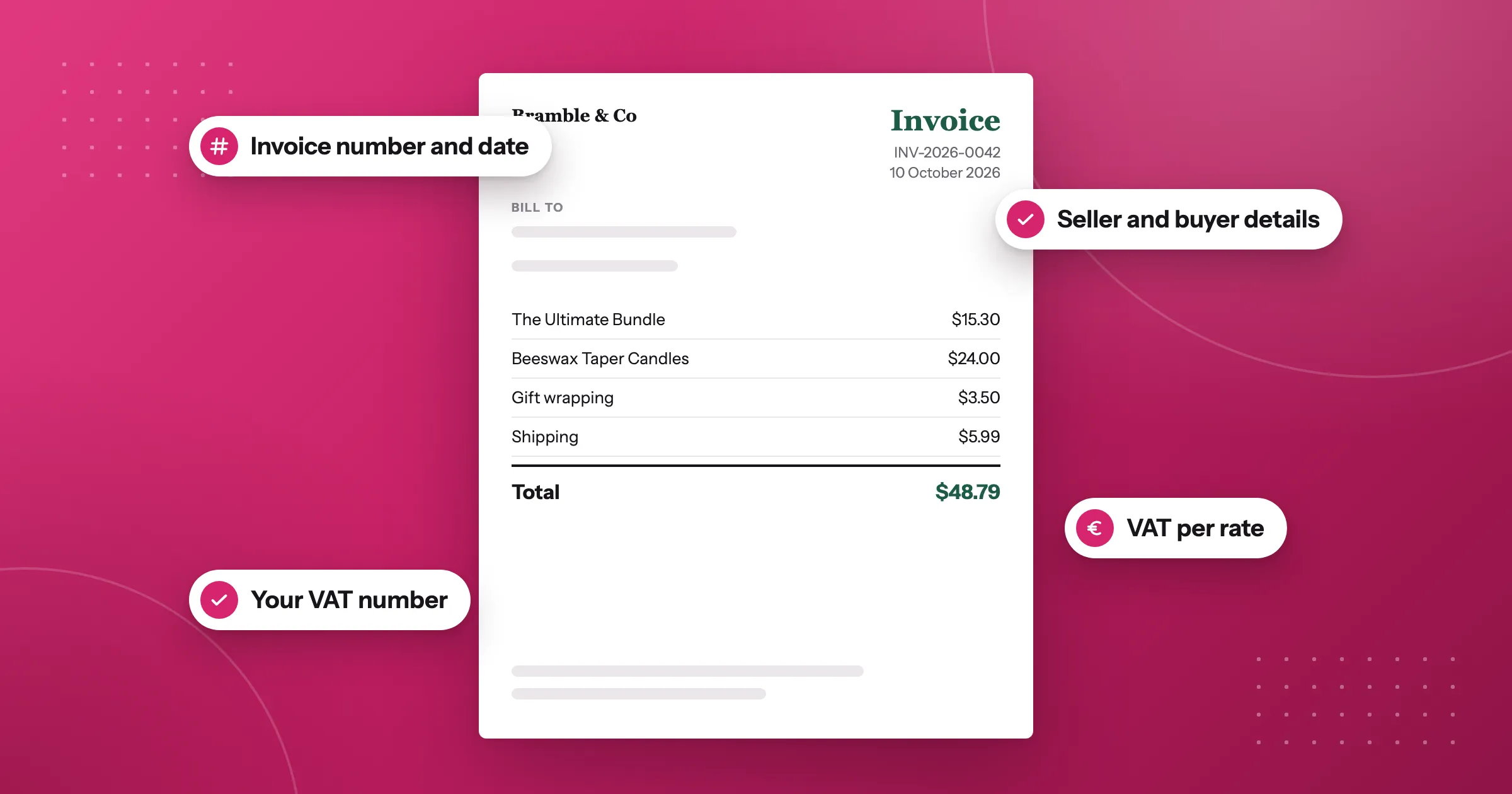
The EU’s VAT rules set out what a full VAT invoice contains, and each country adds its own details. In most EU countries, an invoice shows:
- The date it was issued, and the date of supply when that’s different.
- A unique, sequential number, so no invoice is missing or used twice.
- Your details: your full name and address, and your VAT number.
- Your customer’s details: their name and address, and their VAT number when they’re a business buying from another EU country without being charged VAT.
- What you sold: the quantity and description of the goods or services.
- The amounts: the price before VAT, the VAT rate and the VAT amount for each rate.
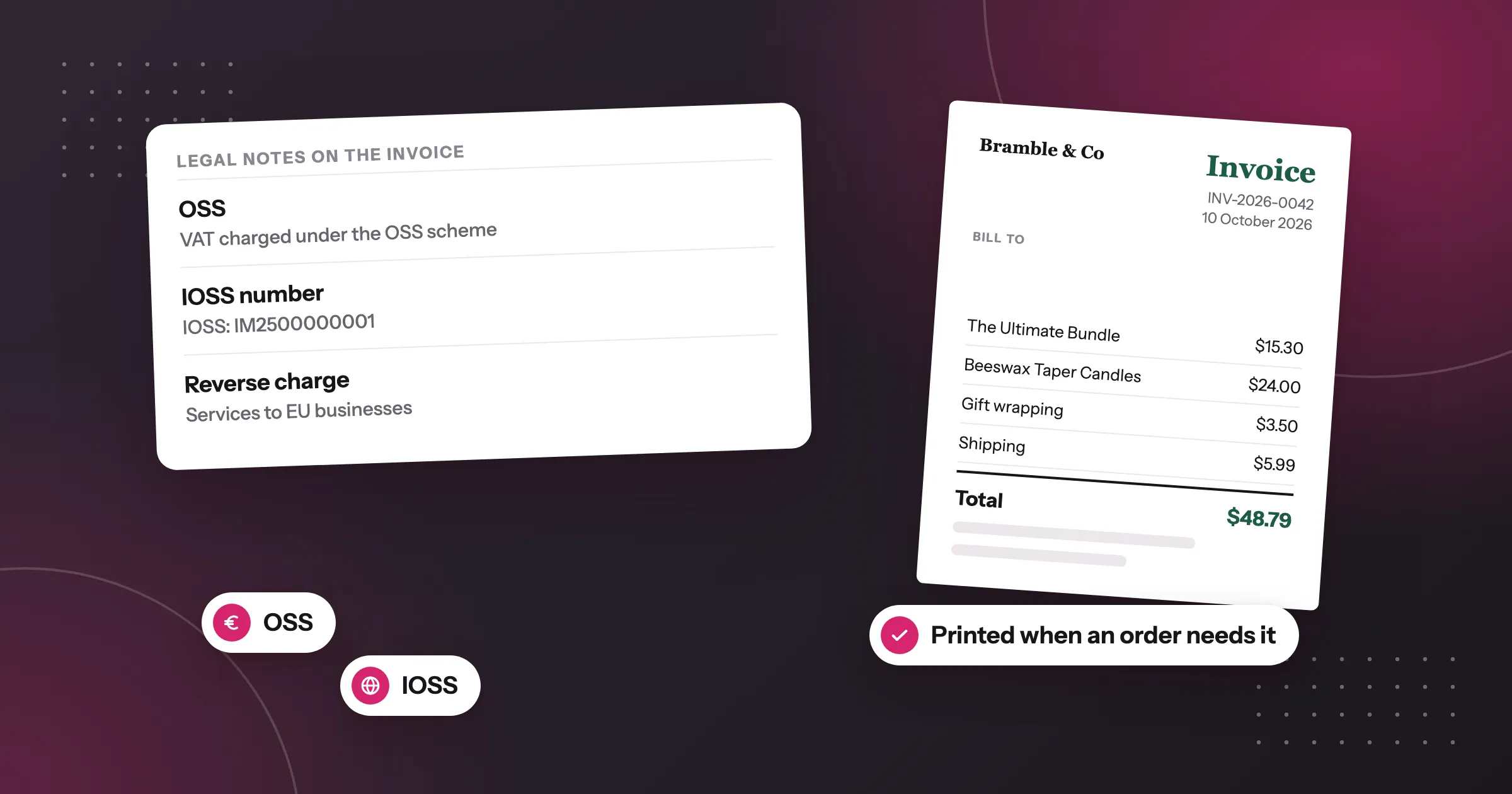
- A note when no VAT or a special scheme applies, such as a reverse charge, an intra-Community supply or an export.
Many countries also ask for company details. French invoices, for example, usually show the company’s SIREN, and German companies often add their commercial register and managing directors.
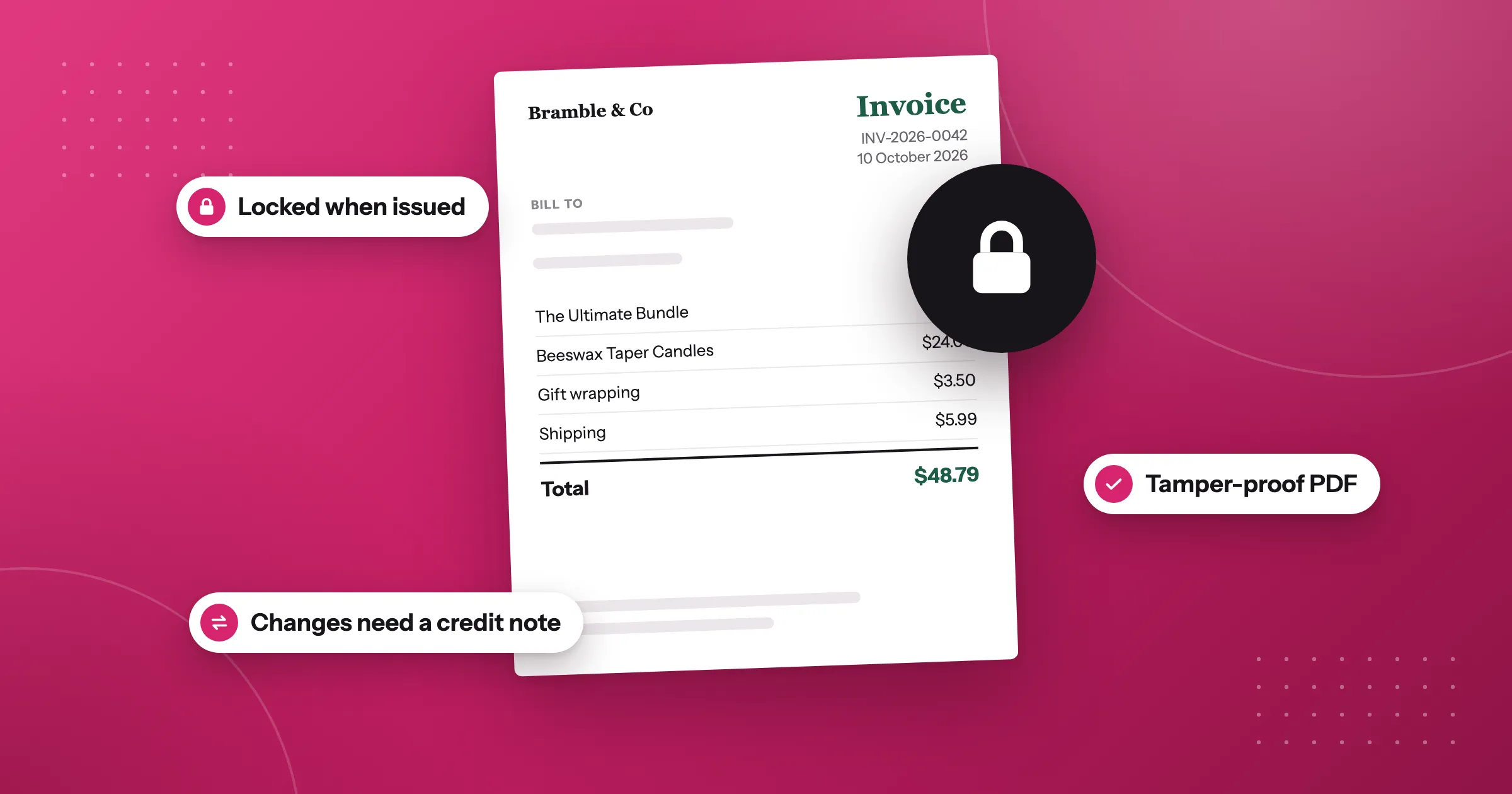
Once you’ve issued an invoice, it shouldn’t change. If something was wrong, you correct it with a credit note instead of editing the invoice.
Rules vary by country and by the kind of business you run, so check with your accountant what your invoices must show.
How to do it in Foliant
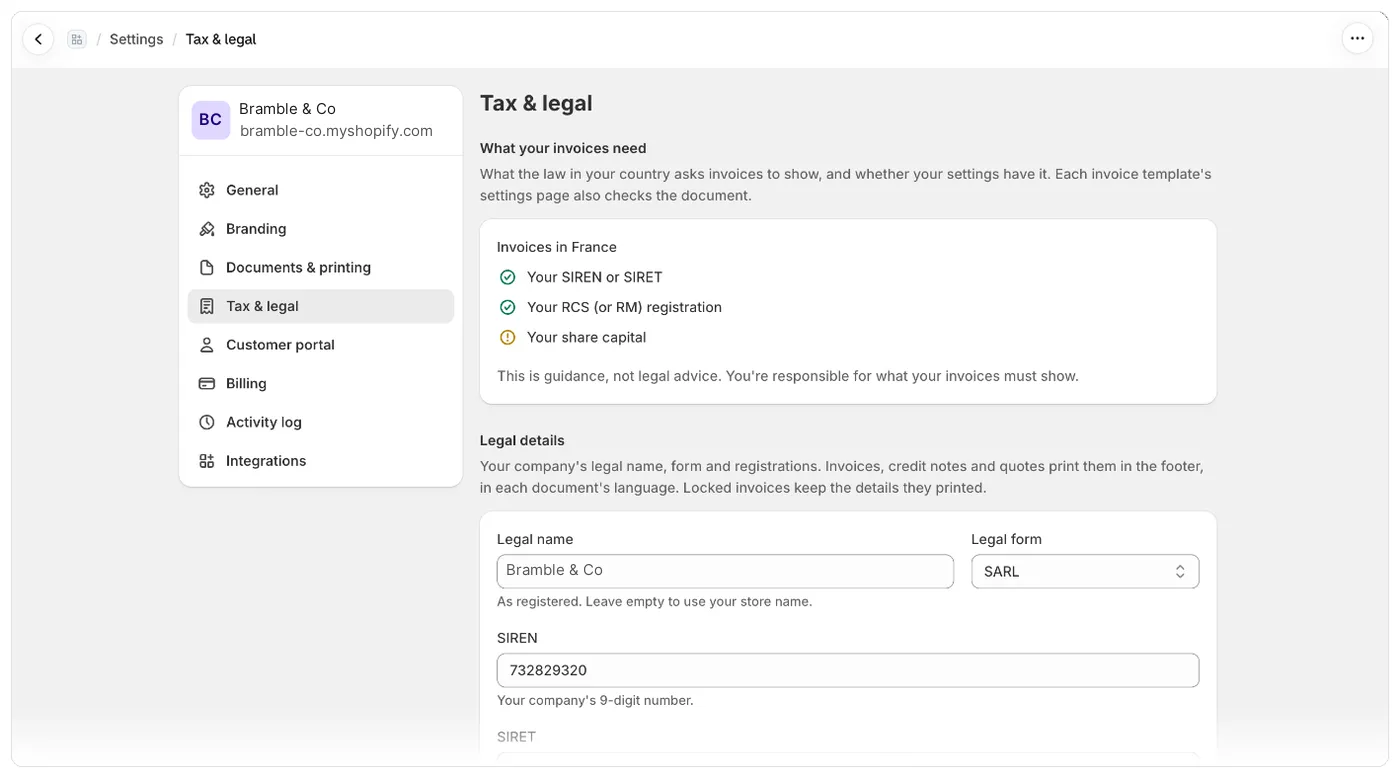
Fill in your legal details. Go to Settings › Tax & legal and, in Legal details, enter your Legal name, Legal form and the registrations your country uses. Invoices print them in the footer, in each document’s language.
Add your VAT numbers. In VAT numbers and EORI, click Add VAT number, choose the country and enter the number with its country prefix. You can add one for each country you’re registered in.
Read the checklist. At the top of the same page, What your invoices need lists what your country asks for and marks what’s still missing. It covers France, Germany, Austria, the United Kingdom and Australia so far. If an invoice template doesn’t print something your country needs, its settings page warns This document may be missing legal details. These warnings are guidance only and never stop you from saving or printing.
Number your invoices. Make sure your invoice template’s Document type is Invoice. Then go to Settings › Documents & printing and turn on Number invoices in Document numbering. Each invoice gets the next number in its own series the first time it’s printed, downloaded, exported or emailed, and keeps it.
Lock issued invoices. On the same page, in Locked invoices, turn on Lock issued invoices and credit notes. Foliant then keeps each invoice exactly as it was issued, even if you later change the template, the order or your legal details. You make corrections with credit notes.
Then print the invoice from the Orders page or from the order in the Shopify admin, or send it to your customer by email.
Good to know
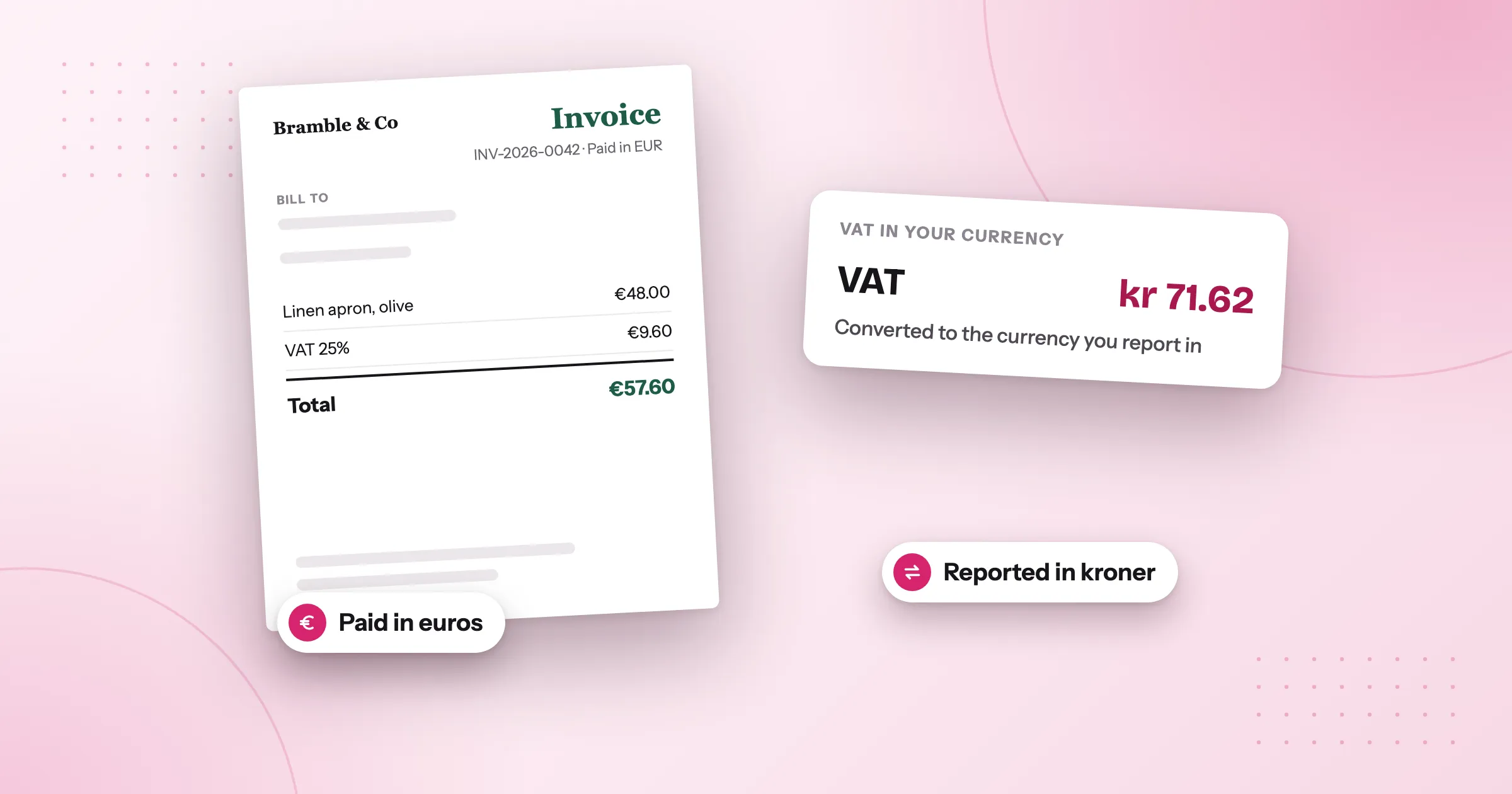
- Foliant prints the VAT that Shopify charged on the order. It doesn’t change the tax, so if a rate looks wrong, check your tax settings in Shopify.
- The VAT notes for reverse charge, intra-Community supply, export, IOSS and OSS sales are Foliant’s legal notes, and whether you have them depends on your plan. Legal details, VAT numbers, the checklist, numbering and locking come with every plan. See pricing.
The full steps, with every field and country, are in the help centre: What your invoices need.
Questions
What must an EU VAT invoice show?
In most EU countries: the issue date, a unique sequential number, your name, address and VAT number, your customer's details, what you sold, the price before VAT, the VAT rate and amount for each rate, and a note when no VAT or a special scheme applies. Countries add their own details, so check with your accountant.
Is a Shopify order confirmation a VAT invoice?
No. Shopify numbers your orders, but it doesn't give invoices their own number series, your company's legal details or the VAT notes some sales need.
Can I edit an invoice after I've issued it?
An issued invoice shouldn't change. If something was wrong, you correct it with a credit note instead of editing the invoice.
Does Foliant change the VAT on my Shopify orders?
No. Foliant prints the VAT that Shopify charged on the order. If a rate looks wrong, check your tax settings in Shopify.
Try Foliant free on your store.
Find it on the Shopify App Store