Invoicing & tax
How to make a credit note for a Shopify refund
· 3 min read
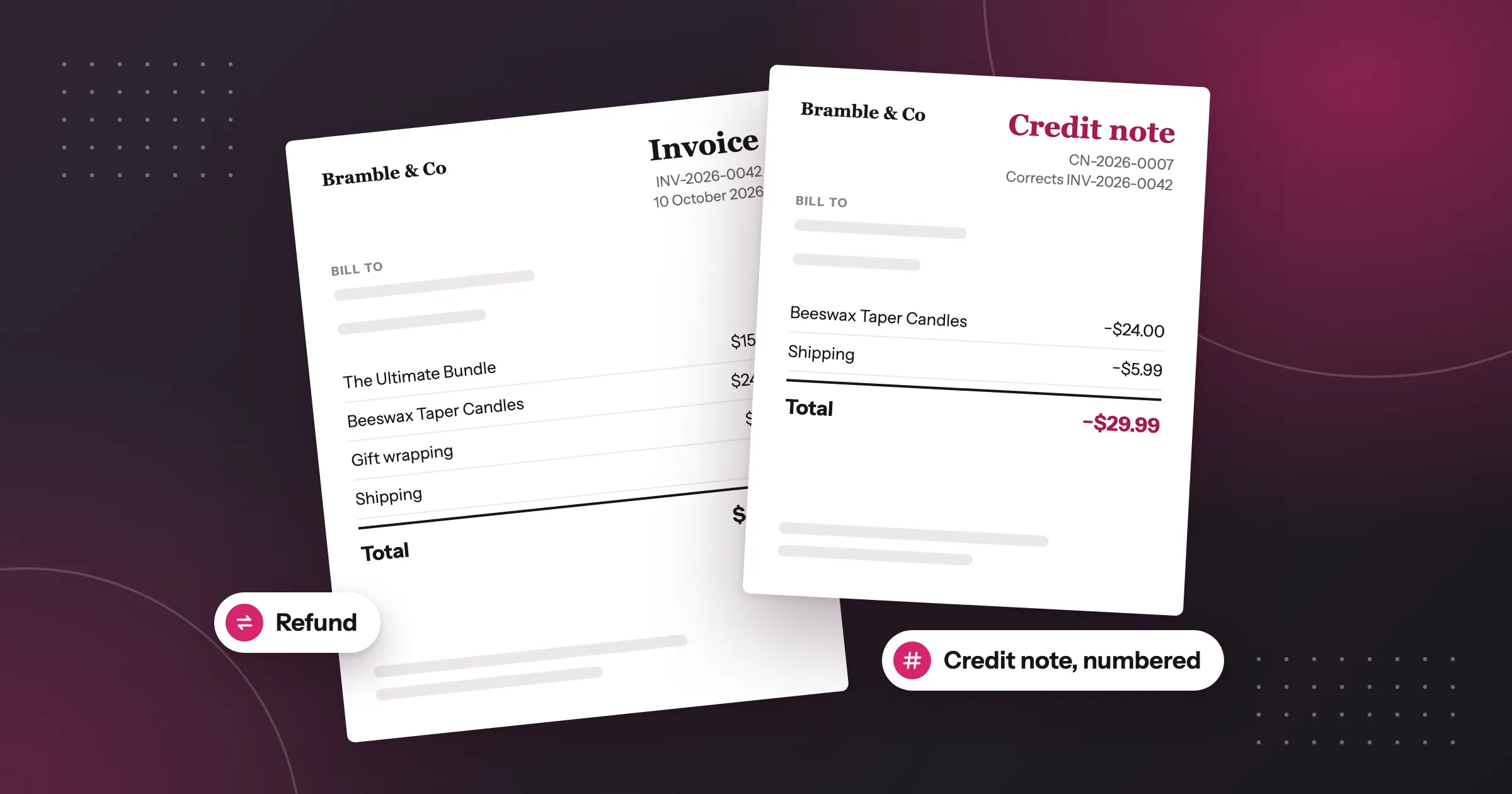
You refunded an order in Shopify, and now your customer or your accountant wants a credit note. Shopify records the refund and returns the money, but it doesn’t make a numbered credit note. The short answer: leave the original invoice as it is, and issue a credit note for the refund that refers back to it. Foliant makes one numbered credit note for each refund.
Why a refund needs a credit note
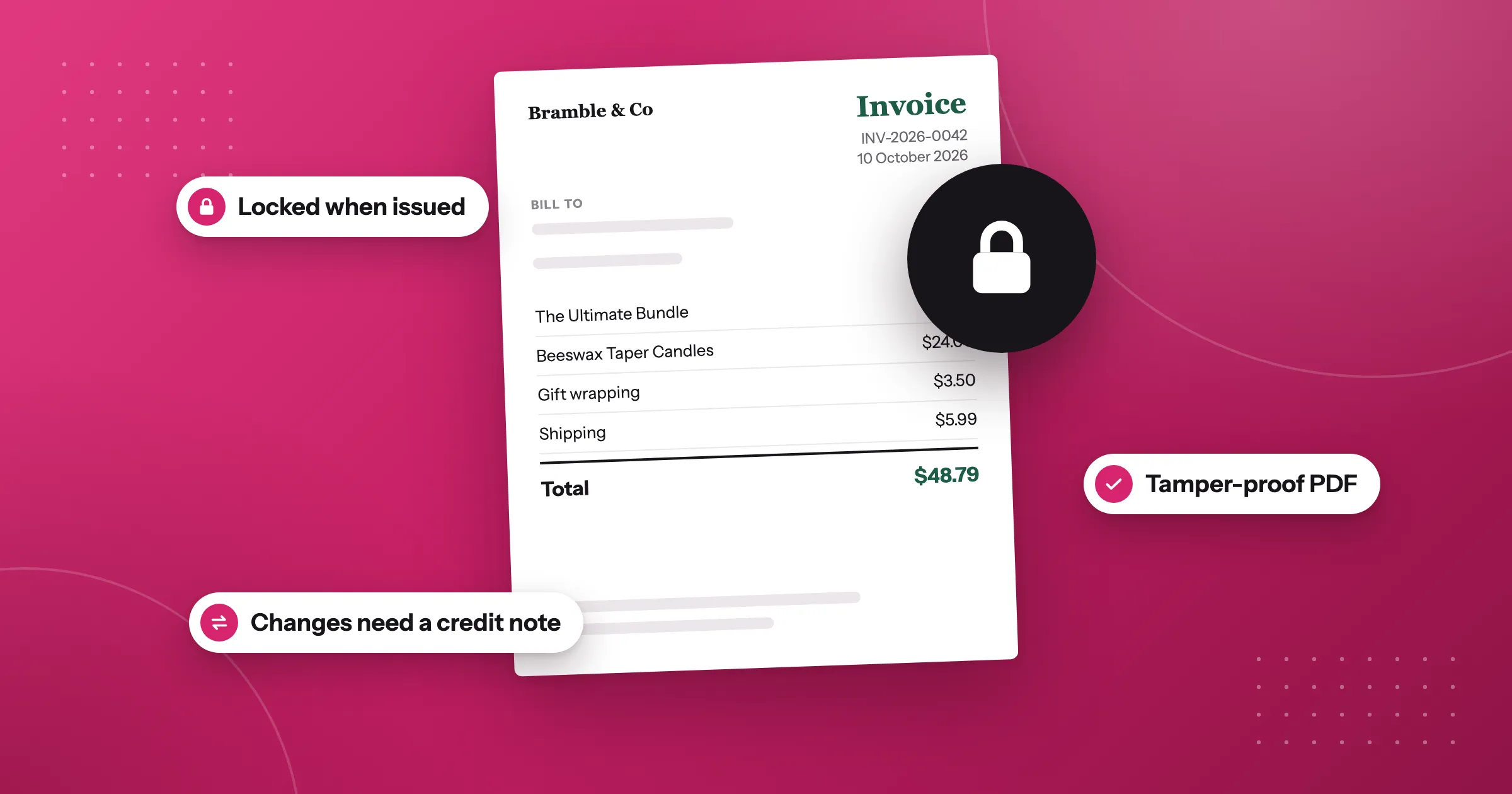
Once you’ve issued an invoice, you shouldn’t edit or delete it. In the EU and many other countries, the invoice you sent is a record, and your tax records have to show what really happened.
So when you give money back, you don’t change the invoice. You issue a second document that corrects it. A credit note:
- has its own number, so it’s part of your records like any invoice
- refers to the invoice it corrects
- shows what was refunded, and the tax on that amount
A partial refund works the same way, for the part you refunded. If you refund the same order twice, each refund gets its own credit note.
Countries differ on the details, such as whether credit notes share the invoice series or have their own, and what a credit note must show. Check with your accountant what applies to your business.
Set it up in Foliant
Foliant’s built-in templates include Refund / credit note. In its template settings, check that Document type is Credit note. Any template you set to Credit note works the same way.
Then give credit notes their numbers:
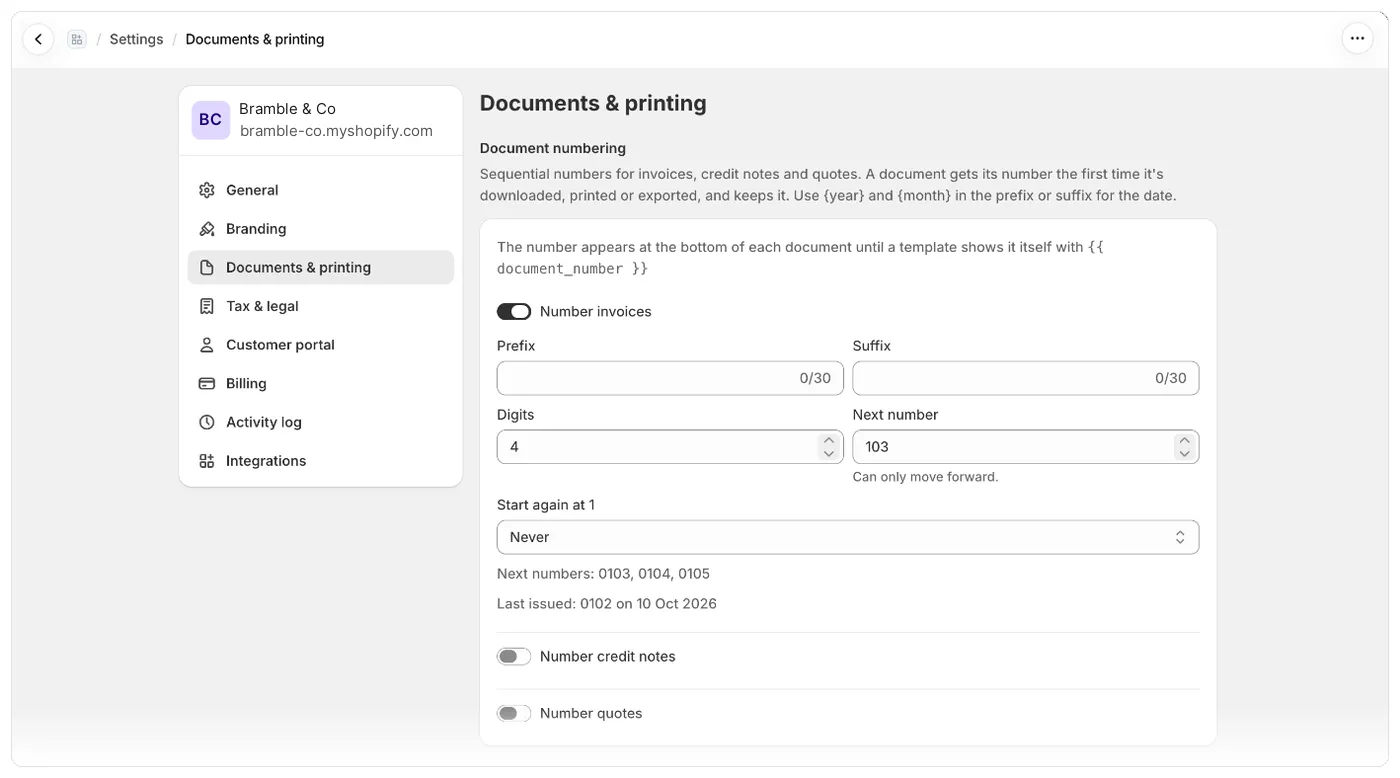
- Go to Settings › Documents & printing.
- In Document numbering, turn on Number credit notes.
- Set the format, for example with a prefix like
CN-, so credit notes are easy to tell apart from invoices. - Click Save, then Save numbering.
Credit notes have their own series, separate from invoices and quotes.
Refund, then make the credit note
Refund the order in the Shopify admin as usual. Then print, download or email the credit note template for that order.
The credit note is for the order’s most recent refund, and it gets its number the first time it’s made. An order with no refund has nothing to credit, so it never uses up a credit note number.
If you’d rather not think about it, go to Delivery and add a delivery with the credit note template and Order is refunded (each refund). Foliant then emails a credit note for each refund as it happens. Whether Foliant can send emails itself depends on your plan: see pricing.
Keep credit notes with your invoices
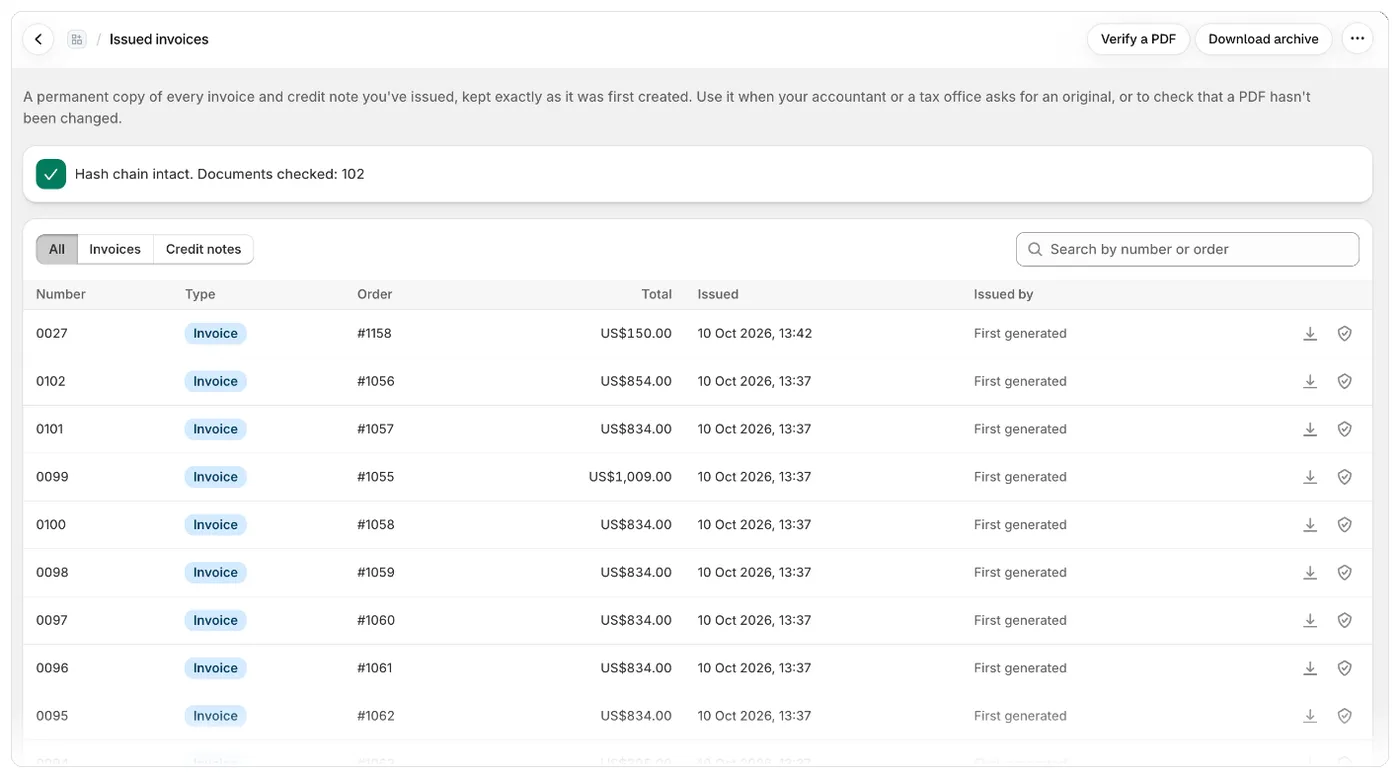
If you lock issued invoices, Foliant keeps each credit note exactly as it was first issued, the same as your invoices. On the Issued invoices page, a credit note shows its total as a negative amount, and under its number it says which invoice it corrects, for example “Corrects INV-2026-0042”. The Credit notes filter at the top of the list shows only credit notes.
Good to know
- You can see an order’s credit note numbers in the Shopify admin, in the Document numbers block on the order.
- When an order is cancelled, its invoice number is voided, but credit notes for its refunds stay valid.
- With Lock documents set to Only when I issue it, Issue & lock locks the order’s invoice only, not its credit notes.
- If your customers use the customer portal, they see a credit note for each refund on their My documents page.
The full steps are in the help centre: Correct an invoice with a credit note.
Questions
Does Shopify create credit notes for refunds?
No. Shopify records the refund and returns the money, but it doesn't make a numbered credit note.
Should I edit the invoice when I refund an order?
No. Leave the original invoice as it is and issue a credit note for the refund that refers back to it.
Does a partial refund need a credit note?
Yes, a partial refund works the same way, for the part you refunded. If you refund the same order twice, each refund gets its own credit note.
Do credit notes use the same number series as invoices?
Countries differ on whether credit notes share the invoice series or have their own. In Foliant, credit notes have their own series, separate from invoices and quotes.
Try Foliant free on your store.
Find it on the Shopify App Store